
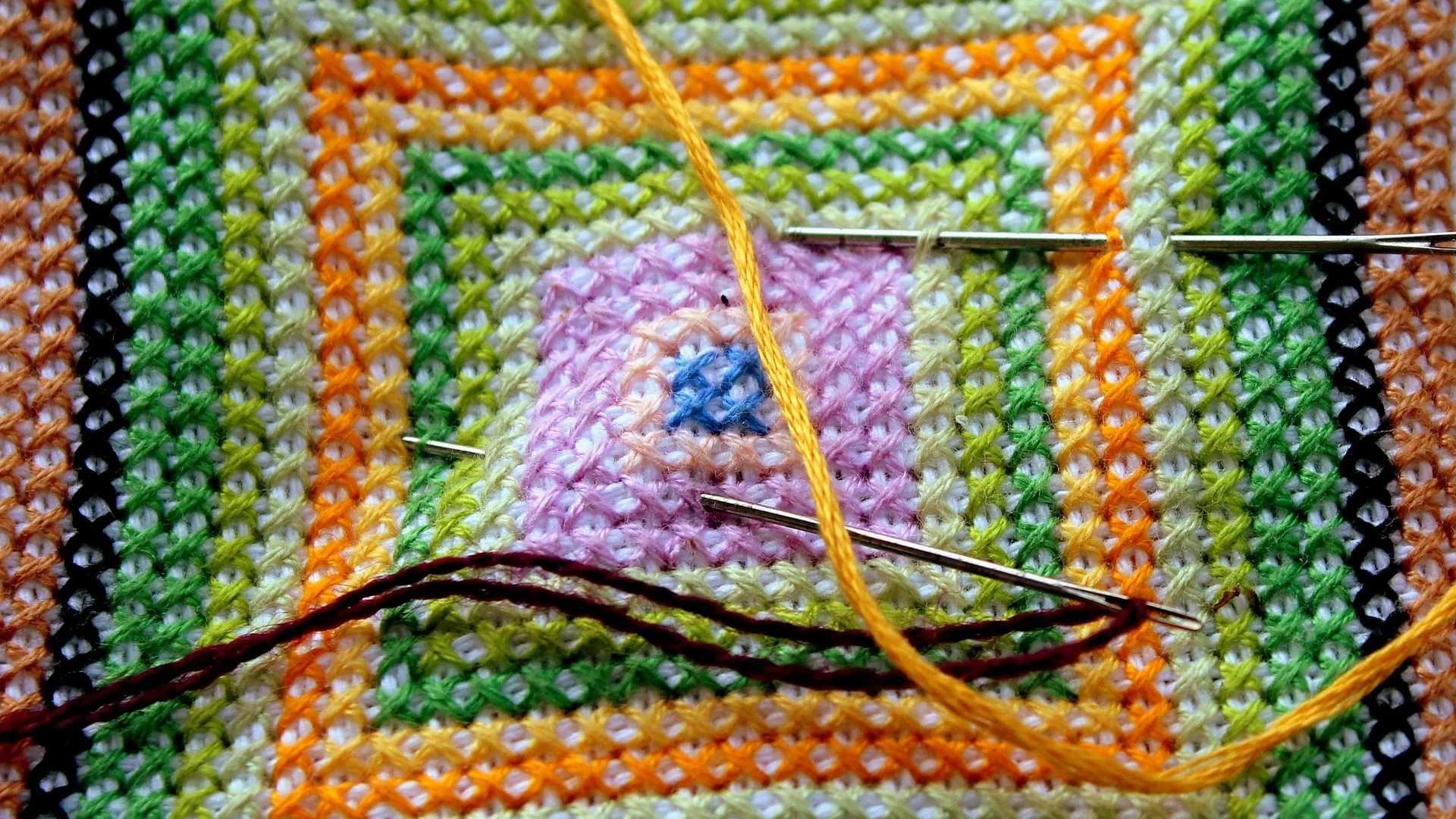
What Happened When We Let AI Design a Cross Stitch Pattern
Designing your own cross stitch pattern from scratch is deeply satisfying, but it is also slow, and a blank grid can be daunting. So we asked a simple question: what if you could describe a design in a sentence and have a first draft drawn for you? HobbyTub includes AI pattern generation for exactly this, so we put it to the test. Here is what we found.
The idea: a pattern from a prompt
The premise is straightforward. Instead of placing every stitch by hand, you type a short description of what you want, and the generator produces a design on the grid. It is a way to get from an idea to a starting point in seconds rather than hours.
AI generation is included with a HobbyTub subscription, up to a monthly allowance, so it sits alongside the other ways to create a pattern rather than replacing them.
What we tried
We started with simple, clear prompts, the kind of small motifs that make lovely first projects. Short descriptions of a single subject worked best. As with any creative tool, the clearer the request, the closer the result came to what we had in mind.
A few things stood out quickly:
- Simple subjects worked well. A single, bold motif translated to the grid more cleanly than a busy, detailed scene.
- Clear prompts beat clever ones. Describing the subject plainly gave better results than an elaborate wish list.
- It is a starting point, not the finished article. The generator gets you a draft fast, and then the real craft begins.
Where the human still matters
This is the important part. The generator is a fast way to get a first draft, but a cross stitch pattern needs to be stitchable, and that is where your judgement comes in. A generated design usually benefits from a little tidying:
- Trimming the palette, so you are not chasing dozens of nearly identical shades
- Cleaning up stray stitches that would be fiddly to work
- Adding outlines with backstitch to define shapes, which our backstitch guide covers
- Adjusting colours to threads you actually own
Because the generated pattern lands straight in the HobbyTub editor, all of this is easy. You can edit the design pixel by pixel, adjust the palette and add backstitch, French knots or beads, then see exactly how the finished chart will look. The AI gives you a head start, and you make it yours.
The verdict
AI generation is not a replacement for a designer's eye, and it is not meant to be. What it is, is a genuinely useful way to skip the blank grid and get to a workable draft quickly, which you then refine into something you will enjoy stitching. Think of it as a sketching tool rather than a finishing one.
For anyone who has ever had an idea but felt daunted by designing from scratch, it lowers the barrier considerably. And for experienced stitchers, it is a fast way to rough out a concept before polishing it by hand.
The other ways to create a pattern
AI generation is one of three ways to make a pattern in HobbyTub, and it is worth knowing all three:
- Design from scratch in the editor, placing every stitch yourself for full control
- Import an existing chart you already have
- Generate from a prompt with AI, then refine, as described here
Each suits a different mood and project. The generator is simply the quickest way from idea to draft.
Try it yourself
If the idea of describing a design and stitching the result appeals to you, AI generation is included with a HobbyTub subscription. You can start a free trial to try it, or browse the pattern catalogue to see finished designs and start a project the traditional way. However you begin, the fun is in making the pattern your own, one stitch at a time.