
Design and edit cross stitch patterns in your browser
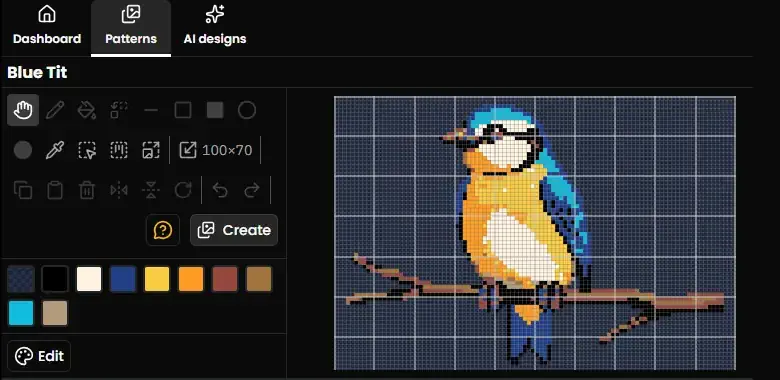
Draw a chart from scratch, or open one you converted or imported and change it. Stitches, backstitch, French knots and beads, on a grid that behaves the way a chart should.
- 30 day free trial
- No card required
- Works on any device
Text that stays editable
Most tools that add lettering to a chart stamp it onto the grid. The moment it is placed it is just stitches, so changing a name or a date means erasing it cell by cell and starting again.
Here, text stays an object. Come back a week later and change the wording, the font or where it sits. One baby sampler becomes every baby sampler, and a wedding piece is re-personalised for the next couple without redrawing anything.
It works on a phone, not just a laptop
Editing a chart on a touchscreen is usually an afterthought, and it shows: you go to place a stitch and pan the canvas instead, or a pinch to zoom wipes out the backstitch you just drew.
Touch is handled on its own terms here. Backstitch is tap to place and tap to commit, because there is no hover on a touchscreen to drag a line against. A pinch or a pan cancels a draw in progress rather than damaging your work. Pressing to aim does not send the canvas sliding.
The usual chart elements, all present
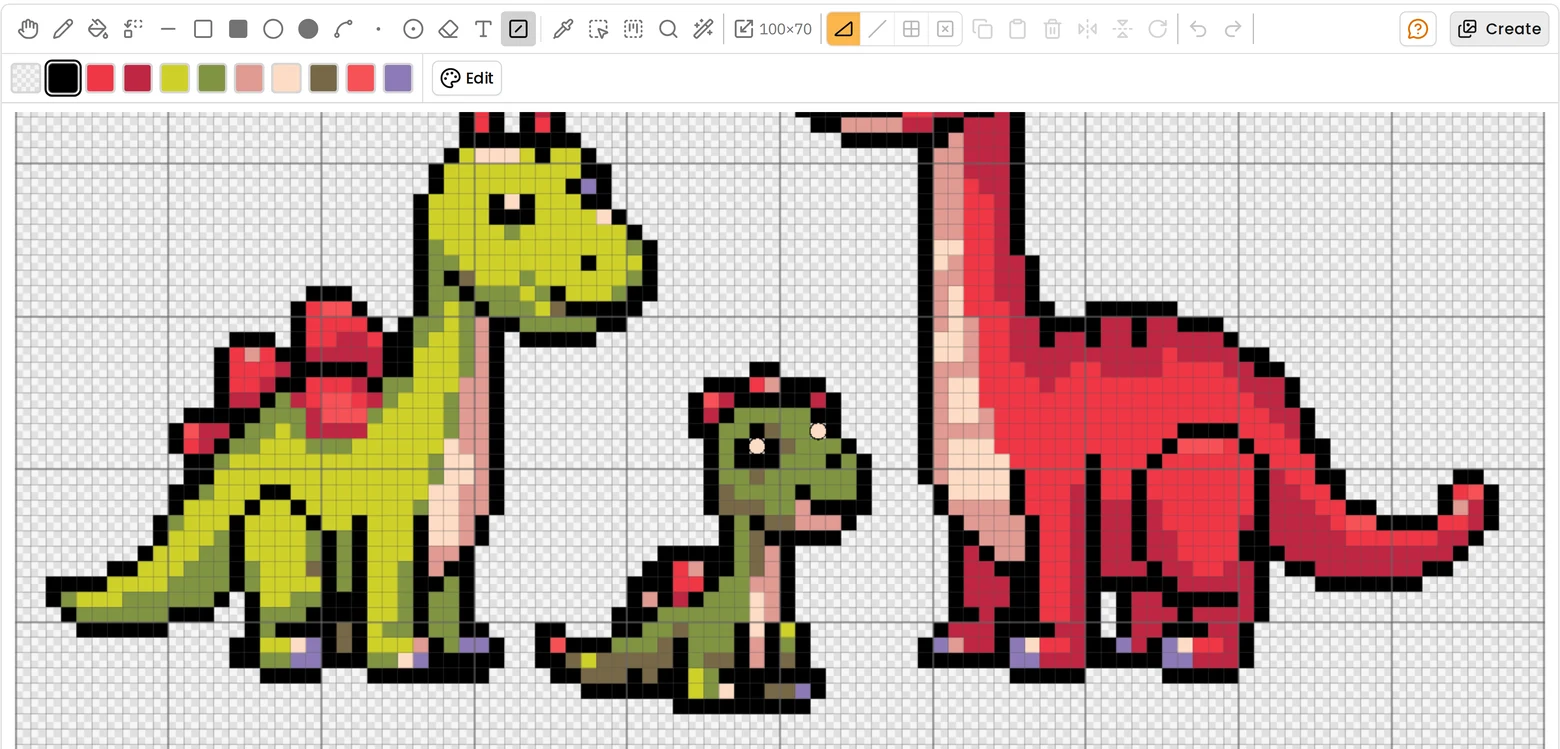
Full cross stitches, and the fractional ones that make a curve read as a curve. Three-quarter and quarter stitches, half stitches (the single diagonal leg, also called a half cross or tent stitch), and petite stitches, the small complete cross worked in one quarter, also called petit point. Backstitch along cell edges and diagonals, French knots and beads, symbols and colour blocks.
All of the sub-cell stitches are placed by one tool and one tap: the corner of the square you tap nearest says which part you meant, so there is no diagonal control to set and nothing extra to learn.
A thread palette you can change per project, where swapping any colour for a different thread suggests the closest match, which is how you restitch a design in threads you already own.
More cross stitch tools
Cross Stitch Pattern Maker: Photo to Chart
Turn a photo into a cross stitch pattern
Cross Stitch Pattern Marker and Progress Tracker
Mark off cross stitch as you go, on any device
Mark Up a PDF Cross Stitch Chart on iPad, iPhone or Android
Mark up the PDF chart you bought, on any device
Cross Stitch Pattern Converter: Open XSD, PAT and OXS
Open and convert cross stitch pattern files
Cross Stitch Text and Alphabet Generator
Put names, dates and words on a cross stitch pattern
AI Cross Stitch Pattern Generator
Generate a cross stitch pattern with AI, then edit it like any other
Cross Stitch App for Real Stitchers
A cross stitch app for people who actually stitch
Cross Stitch Fabric Calculator
Work out how much aida you need
Sell Cross Stitch Patterns Under Your Own Name
Sell cross stitch charts with your name on them
Cross Stitch Thread Stash Tracker
Keep track of your thread stash
Cross Stitch Project Journal and Finished Work Archive
Keep a journal for every cross stitch project
Common questions
Can I start from a blank grid?
Yes. Set the size you want and draw. You can also start from a converted photo or an imported chart and edit from there.
Does it handle backstitch and French knots?
Yes, both, along with beads. Backstitch runs along cell edges the way a printed chart draws it, rather than being approximated with whole stitches.
Can I export what I design?
Patterns you draw, convert from a photo, or import as a chart file export as a printable PDF chart or as OXS for other software. Artwork from the HobbyTub library and copies of it cannot be exported, and export of AI generated designs is controlled separately. A chart you draw or convert yourself can carry your own name, logo and copyright notice, while an imported chart keeps its original designer's.
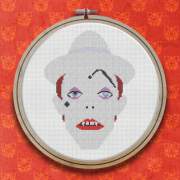
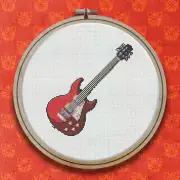
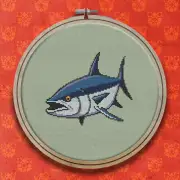
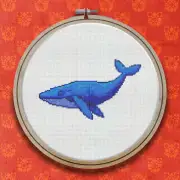
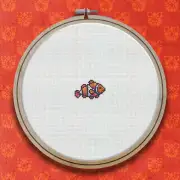
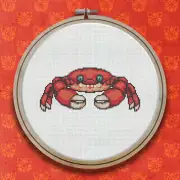
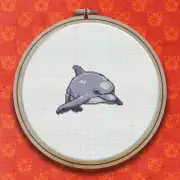
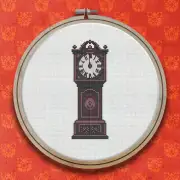
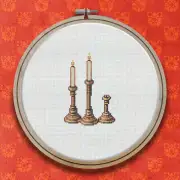
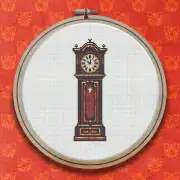
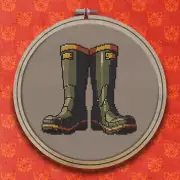
Patterns to try it on
Further reading
- Using a Cross Stitch Pattern Editor to Draw, Edit and Fix a Chart
A pattern editor is not only for designing from scratch. Most of its value is in fixing charts you already have.
- How to Design Your Own Cross Stitch Pattern
Designing your first chart is less daunting than it sounds. Start small, work in blocks, and add outlines last.
- Cross Stitch Alphabets and Lettering: Getting Names to Look Right
Lettering is where personalised pieces are won or lost. How to choose an alphabet, space it properly, and keep it changeable.