
Sell cross stitch charts with your name on them
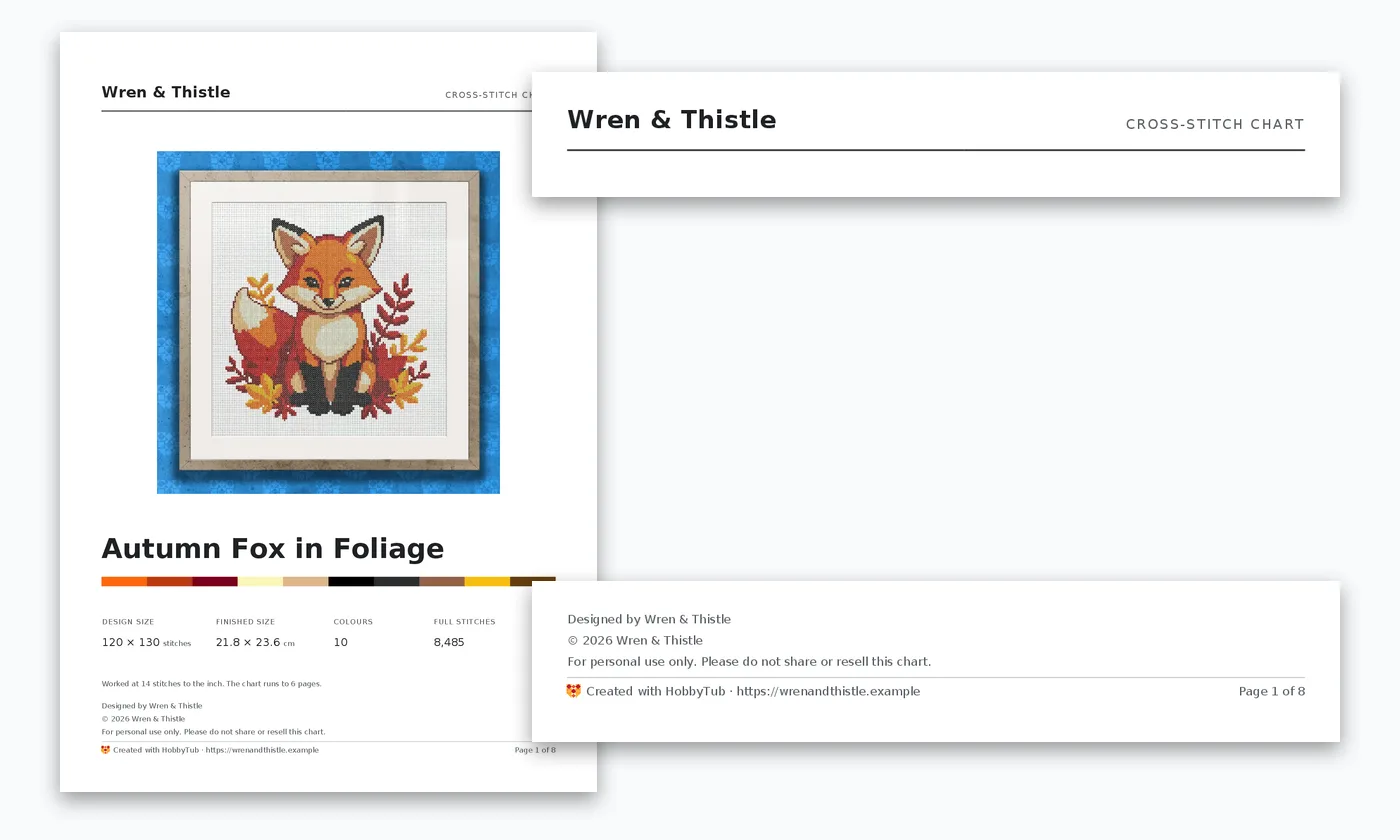
Design a chart, export it, and it arrives as a finished product with your brand on it. Your name or logo heads the cover, your copyright notice and terms sit under the design, and your shop link goes at the foot of the cover.
- 30 day free trial
- No card required
- Works on any device
What goes on the chart
Four things, set once in your settings and printed on every chart you export from then on.
Your name, or your logo if you have one, across the top of the cover where a buyer looks first. Your copyright notice under the design, which you can leave to us to write as the year and your name. Your usage terms in your own words, such as personal use only, because we print exactly what you type and never write licence wording for you. And a link to your shop at the foot of the cover.
There is a live preview while you fill it in, and a sample chart you can export to see exactly how it prints.
Only on charts you made
Branding goes on charts you drew in the editor or converted from a photo. A chart imported from someone else's file keeps its designer's name and copyright, and yours is never added to it.
That rule is what makes the feature safe to use. The software will not help anyone put their name on a design they bought, which protects the designers you buy from as much as it protects you.
The credit travels in the OXS file too
Many buyers open a chart in their own software rather than printing it. An OXS export carries your name, copyright notice and terms inside the file, so the app a buyer opens it in shows who designed it. A logo cannot travel that way, because the format holds stitches and text rather than pictures.
More cross stitch tools
Cross Stitch Pattern Maker: Photo to Chart
Turn a photo into a cross stitch pattern
Cross Stitch Pattern Editor
Design and edit cross stitch patterns in your browser
Cross Stitch Pattern Marker and Progress Tracker
Mark off cross stitch as you go, on any device
Mark Up a PDF Cross Stitch Chart on iPad, iPhone or Android
Mark up the PDF chart you bought, on any device
Cross Stitch Pattern Converter: Open XSD, PAT and OXS
Open and convert cross stitch pattern files
Cross Stitch Text and Alphabet Generator
Put names, dates and words on a cross stitch pattern
AI Cross Stitch Pattern Generator
Generate a cross stitch pattern with AI, then edit it like any other
Cross Stitch App for Real Stitchers
A cross stitch app for people who actually stitch
Cross Stitch Fabric Calculator
Work out how much aida you need
Cross Stitch Thread Stash Tracker
Keep track of your thread stash
Cross Stitch Project Journal and Finished Work Archive
Keep a journal for every cross stitch project
Common questions
Does HobbyTub's name appear on my charts?
Only as the tool. The foot of each page says the chart was created with HobbyTub, which is a statement about the software, the way a document says which app made it. You are the designer, and the cover and the file both say so.
Can I use my logo?
Yes. Upload it in the chart branding settings and it replaces your name at the top of the cover. It prints about 12mm tall, so a simple, bold logo reads best, and it is worth checking it still reads in black and white.
Does it cost extra?
No. Chart branding is part of the subscription, with no separate designer tier to upgrade to.
Can I sell a chart I converted from a photo?
Only if you own the photo or have permission to use it. Converting an image does not change who owns it, so a chart made from someone else's photograph or artwork is not yours to sell.
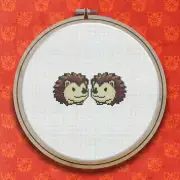
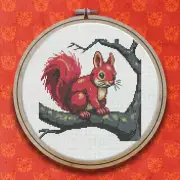
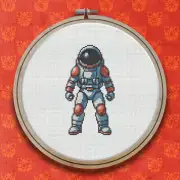
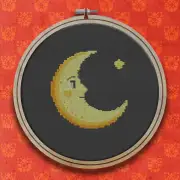
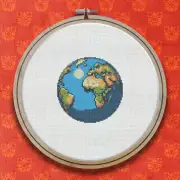
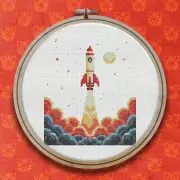
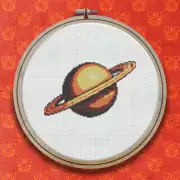
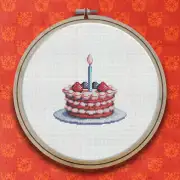
Patterns to try it on
Further reading
- How to Sell Cross Stitch Patterns
Selling your own charts is one of the few ways to earn from the hobby. Here is what buyers expect in the file, how to make sure a design is yours to sell, and how to put your name on it.
- How to Design Your Own Cross Stitch Pattern
Designing your first chart is less daunting than it sounds. Start small, work in blocks, and add outlines last.
- Printing a Cross Stitch Pattern, or Going Paperless
How to print a chart that is actually pleasant to stitch from, and when it is worth not printing at all.