
A cross stitch app for people who actually stitch
Not a tap-to-colour game. This is working software for counted cross stitch: convert or import a chart, edit it, and track every stitch, on whatever device is to hand.
- 30 day free trial
- No card required
- Works on any device
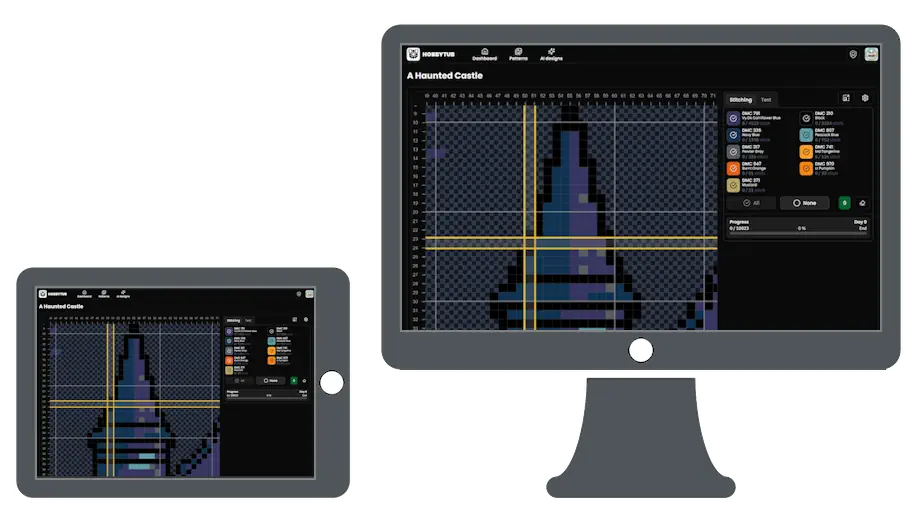
Every device, because it is a browser app
Search for a cross stitch app and most of what comes back is a casual game where you tap coloured squares on a screen. This is not that.
It is also not an app-store download tied to one platform. It runs in the browser, so an iPad, an iPhone, an Android tablet, a Chromebook and a desktop all get the same thing, and your projects follow you between them. Add it to your home screen and it opens full screen like any other app.
Works without a connection
Projects you have on the go are kept on the device, so marking off stitches carries on with no signal and syncs when you are back. Stitching in a garden or on a train is a normal thing to do, and losing an evening of marked stitches to a dropped connection is not acceptable.
A pattern library, and the tools to stitch it
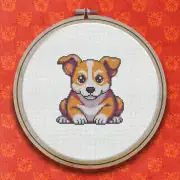
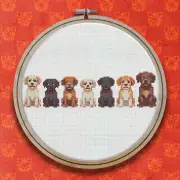
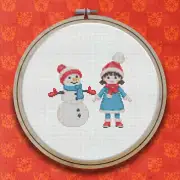
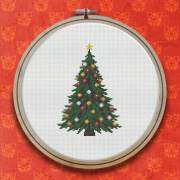
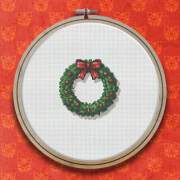
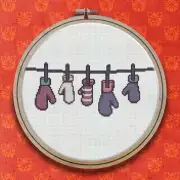
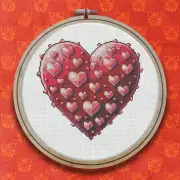
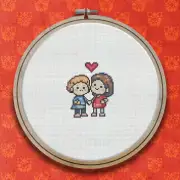
Start from the library, where every design is included and you can stitch any of them as many times as you like, with new ones added every week. A library pattern is yours to change rather than a fixed chart you were sold, so add a name or a date, or swap a shade for a thread you already own, before you cast on. Everything else is built around that: mark off every stitch with a projected finish date, import charts from PCStitch, Pattern Maker, OXS and PDF files, turn a photo into a pattern, and export a printable PDF.
More cross stitch tools
Cross Stitch Pattern Maker: Photo to Chart
Turn a photo into a cross stitch pattern
Cross Stitch Pattern Editor
Design and edit cross stitch patterns in your browser
Cross Stitch Pattern Marker and Progress Tracker
Mark off cross stitch as you go, on any device
Mark Up a PDF Cross Stitch Chart on iPad, iPhone or Android
Mark up the PDF chart you bought, on any device
Cross Stitch Pattern Converter: Open XSD, PAT and OXS
Open and convert cross stitch pattern files
Cross Stitch Text and Alphabet Generator
Put names, dates and words on a cross stitch pattern
AI Cross Stitch Pattern Generator
Generate a cross stitch pattern with AI, then edit it like any other
Cross Stitch Fabric Calculator
Work out how much aida you need
Sell Cross Stitch Patterns Under Your Own Name
Sell cross stitch charts with your name on them
Cross Stitch Thread Stash Tracker
Keep track of your thread stash
Cross Stitch Project Journal and Finished Work Archive
Keep a journal for every cross stitch project
Common questions
Is there an app to download?
There is nothing to install from an app store. Open it in a browser and, if you want, add it to your home screen so it launches like an installed app.
Does it work on iPad?
Yes, and on iPhone, Android, Chromebook, Windows and macOS. Being browser based is the reason it works everywhere rather than on one platform.
Is this a game?
No. It is a tool for counted cross stitch on fabric: charts, thread colours, stitch counts and progress tracking for pieces you stitch by hand.
Patterns to try it on




Further reading
- Cross Stitch Apps Compared: What to Look For in 2026
An honest look at the cross stitch apps stitchers actually use, what each is good at, and where they fall down. Including where we do not win.
- Marking Off Cross Stitch: Markup Apps, Trackers and Keeping Your Place
Highlighter, printout or app? How stitchers keep track of what they have already worked, and why marking off digitally has largely won.
- Printing a Cross Stitch Pattern, or Going Paperless
How to print a chart that is actually pleasant to stitch from, and when it is worth not printing at all.
- How to Keep a Cross Stitch Project Journal
A chart records the stitches and nothing else. Here is what is worth writing down while you stitch, when to write it, where to keep it so you can still find it in a year, and what to record when you put a piece away part done.