
Mark off cross stitch as you go, on any device
Mark off any chart: a PDF you bought, a pattern from the library, or one you designed yourself. Tap stitches off as you work them and watch the design fill in. No printouts, no highlighter, and no losing your place when you put it down for a fortnight.
- 30 day free trial
- No card required
- Works on any device
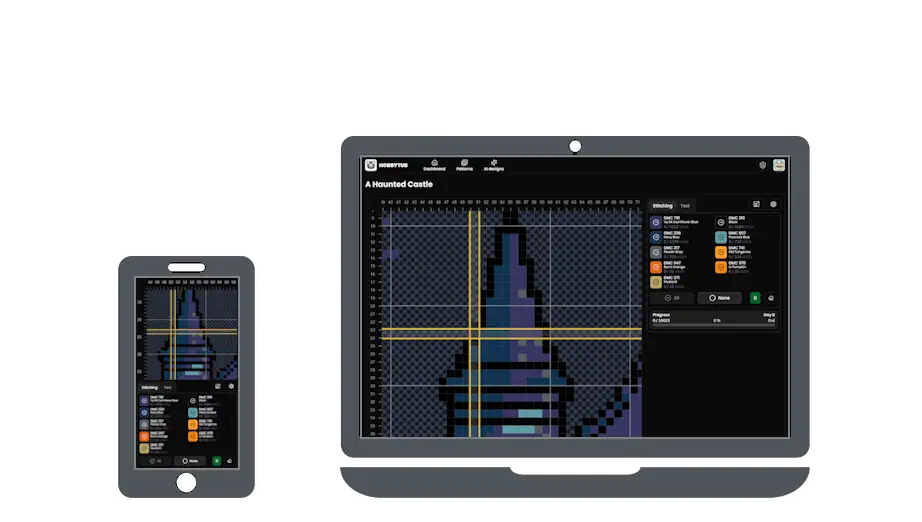
Three ways to get a chart in
Import the chart you already have. A PDF comes in as a real grid of stitches rather than a picture of one, and so do PCStitch .pat, Pattern Maker .xsd and OXS files. Choose Create project when the import finishes and it opens ready to mark off. The PDF chart markup page goes into which PDFs read well.
Pick a design from the pattern library. Every library pattern is included in the subscription, so starting another one costs nothing extra.
Or make your own. Draw a chart in the pattern editor, or turn a photo into a pattern with the pattern maker, and it can be tracked as soon as it is saved.
Markup, marking off, call it what you like
Stitchers call this a markup app, a marker, a stitch tracker, or just the thing that stops them losing their place. It is all the same job: the chart knows which stitches you have done, so you never have to remember where you were.
Tap a stitch, a run of stitches, or a whole block. Filter the palette down to one colour when you are working a single shade. Switch between marking off stitches and marking off backstitch, French knots and beads, so an outlined design is tracked as the chart actually is rather than only the parts that are whole squares.
Fractional stitches are counted and marked off in their own right. A square split between two colours is two separate marks, one for each side, because you work them at different times with different threads. Petites and half stitches are marked the same way. Your percentage counts what you actually have to stitch.
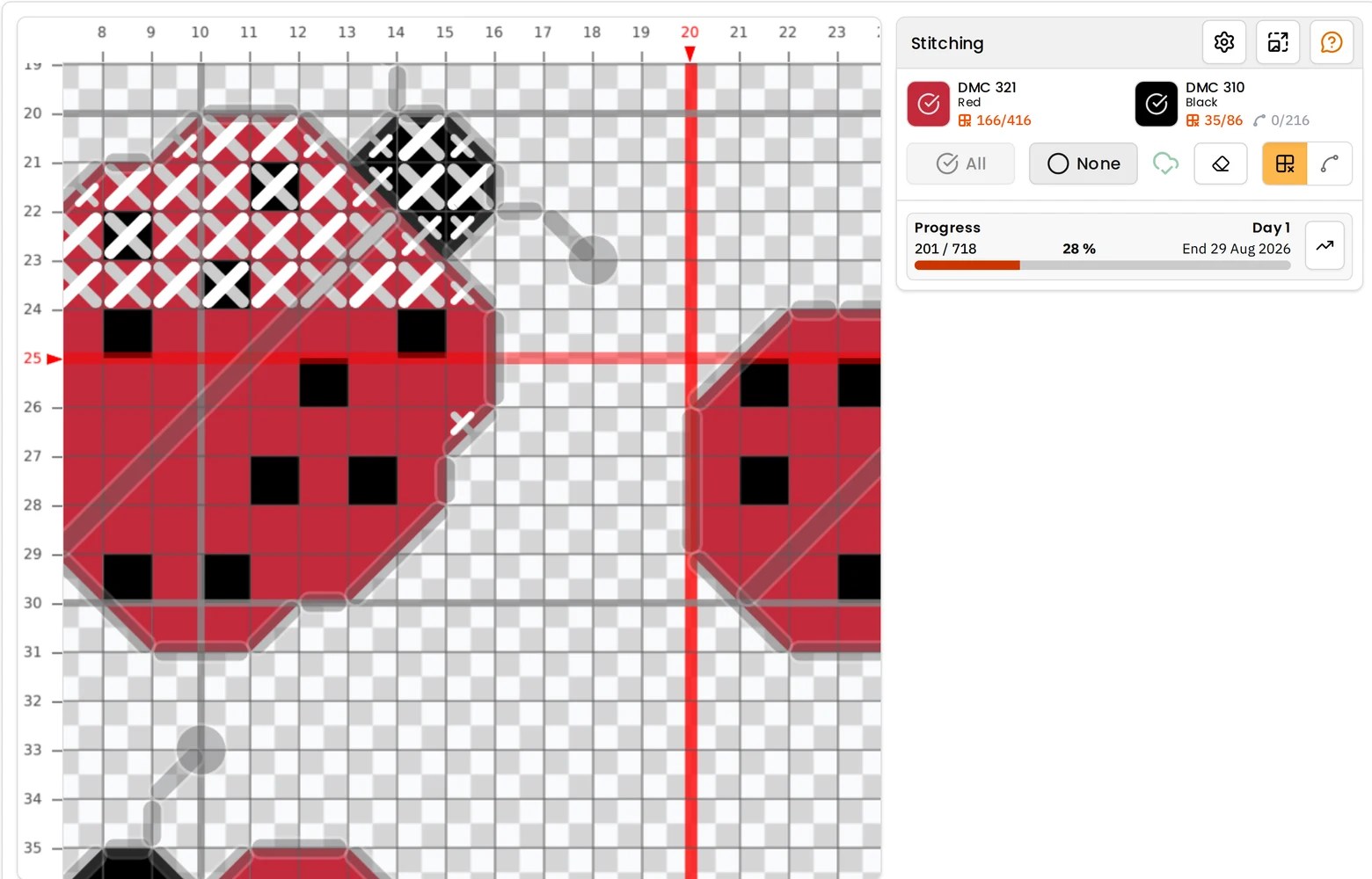
A finish date based on how you actually stitch
Every project shows how far through it is, how many days you have been going, and a projected completion date worked out from your own rate rather than a generic estimate. There is a progress chart plotting what you did each day.
It is the honest answer to when this will be done, and it gets more accurate the longer you stitch.
One project, every device, no exporting
Mark stitches on your phone on the bus and carry on from a tablet at home. The project is the same project, and it is up to date when you open it, with nothing to export from one device and import on the other.
Your projects in progress are also stored on the device, so marking off carries on in a garden, on a train or anywhere else the connection drops. Everything syncs when you are back online, and nothing you marked gets lost in the meantime.
More cross stitch tools
Cross Stitch Pattern Maker: Photo to Chart
Turn a photo into a cross stitch pattern
Cross Stitch Pattern Editor
Design and edit cross stitch patterns in your browser
Mark Up a PDF Cross Stitch Chart on iPad, iPhone or Android
Mark up the PDF chart you bought, on any device
Cross Stitch Pattern Converter: Open XSD, PAT and OXS
Open and convert cross stitch pattern files
Cross Stitch Text and Alphabet Generator
Put names, dates and words on a cross stitch pattern
AI Cross Stitch Pattern Generator
Generate a cross stitch pattern with AI, then edit it like any other
Cross Stitch App for Real Stitchers
A cross stitch app for people who actually stitch
Cross Stitch Fabric Calculator
Work out how much aida you need
Sell Cross Stitch Patterns Under Your Own Name
Sell cross stitch charts with your name on them
Cross Stitch Thread Stash Tracker
Keep track of your thread stash
Cross Stitch Project Journal and Finished Work Archive
Keep a journal for every cross stitch project
Common questions
Does it work on an iPad or iPhone?
Yes. It runs in the browser, so iPad, iPhone, Android tablets, Chromebooks and desktops are all first class. Add it to your home screen and it opens like an app.
Can I mark up a PDF pattern I bought?
Yes. Import the PDF, choose Create project, and it opens ready to mark off, with your progress kept in step across every device you use. The PDF chart markup page covers it in more detail.
Does it track backstitch and fractional stitches?
Yes. Backstitch, French knots and beads are marked off in their own mode, and three-quarter, quarter, half and petite stitches are each counted and marked in their own right, so your percentage covers everything on the chart.
Which PDFs work?
A chart exported from pattern software reads well, including ones split across several pages. A scan or a photo of a printed chart cannot be read at all, because there is no grid or symbol data in it to recover.
Can I track more than one project?
Yes, as many as you like, each with its own progress and its own thread colours.
What happens if I lose internet connection?
Marking off stitches keeps working and your marks are saved on the device, then synced once you are back online.
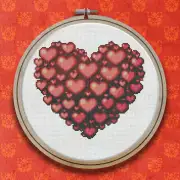
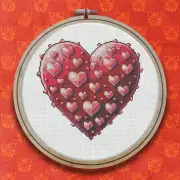
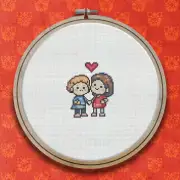
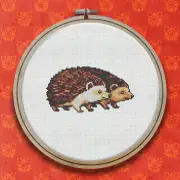
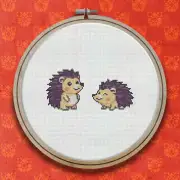
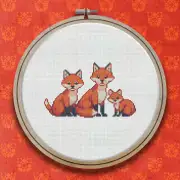
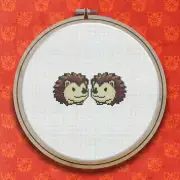
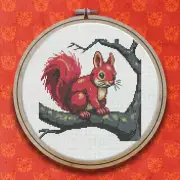
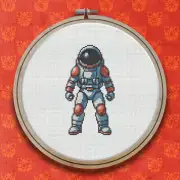
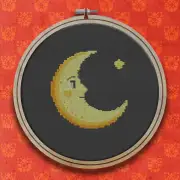
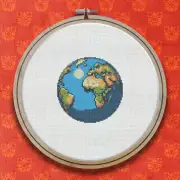
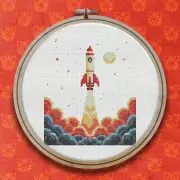
Patterns to try it on
Further reading
- Marking Off Cross Stitch: Markup Apps, Trackers and Keeping Your Place
Highlighter, printout or app? How stitchers keep track of what they have already worked, and why marking off digitally has largely won.
- How to Keep a Cross Stitch Project Journal
A chart records the stitches and nothing else. Here is what is worth writing down while you stitch, when to write it, where to keep it so you can still find it in a year, and what to record when you put a piece away part done.
- Marking Up PDF Cross Stitch Charts on an iPad or iPhone
Pattern Keeper is Android only, so iPad and iPhone stitchers need something else to mark off the PDF charts they buy. Here are the real options, and what each one does well.
- Printing a Cross Stitch Pattern, or Going Paperless
How to print a chart that is actually pleasant to stitch from, and when it is worth not printing at all.
- How Long Does a Cross Stitch Project Take?
A realistic way to estimate hours before you start, and why most estimates come in optimistic.