
Open and convert cross stitch pattern files
Charts arrive in a handful of awkward formats, most of them tied to old desktop software you may not own. Upload the file and read it here instead, then export it in a format you can use.
- 30 day free trial
- No card required
- Works on any device
The formats it reads
PCStitch .pat, Pattern Maker .xsd, the open OXS exchange format, and chart PDFs. Stitches, backstitch, knots, beads and the thread palette come across, not just a flat picture of the grid.
Every stitch type, not just the whole squares
A square the designer split between two colours is where most converters give up. They fill it in with one colour and move on, so every curve and every soft edge in the design comes out blocky, and nothing tells you it happened.
HobbyTub reads the square as it was drawn:
Full cross stitches, the whole X in a square. Three-quarter and quarter stitches, the two parts of a diagonally split square, usually called fractional or partial stitches. Half stitches, a single diagonal leg with bare fabric either side, also known as a half cross, a tent stitch or Gobelin. Petite stitches, a small complete cross worked in one quarter of a square, also called petit point. Then the elements that sit between and on the squares: backstitch outlines, French knots and beads.
They survive a .pat, a .xsd, an OXS file and a chart PDF, and they go back out again in the PDF and OXS you export.
A PDF chart you can genuinely stitch from
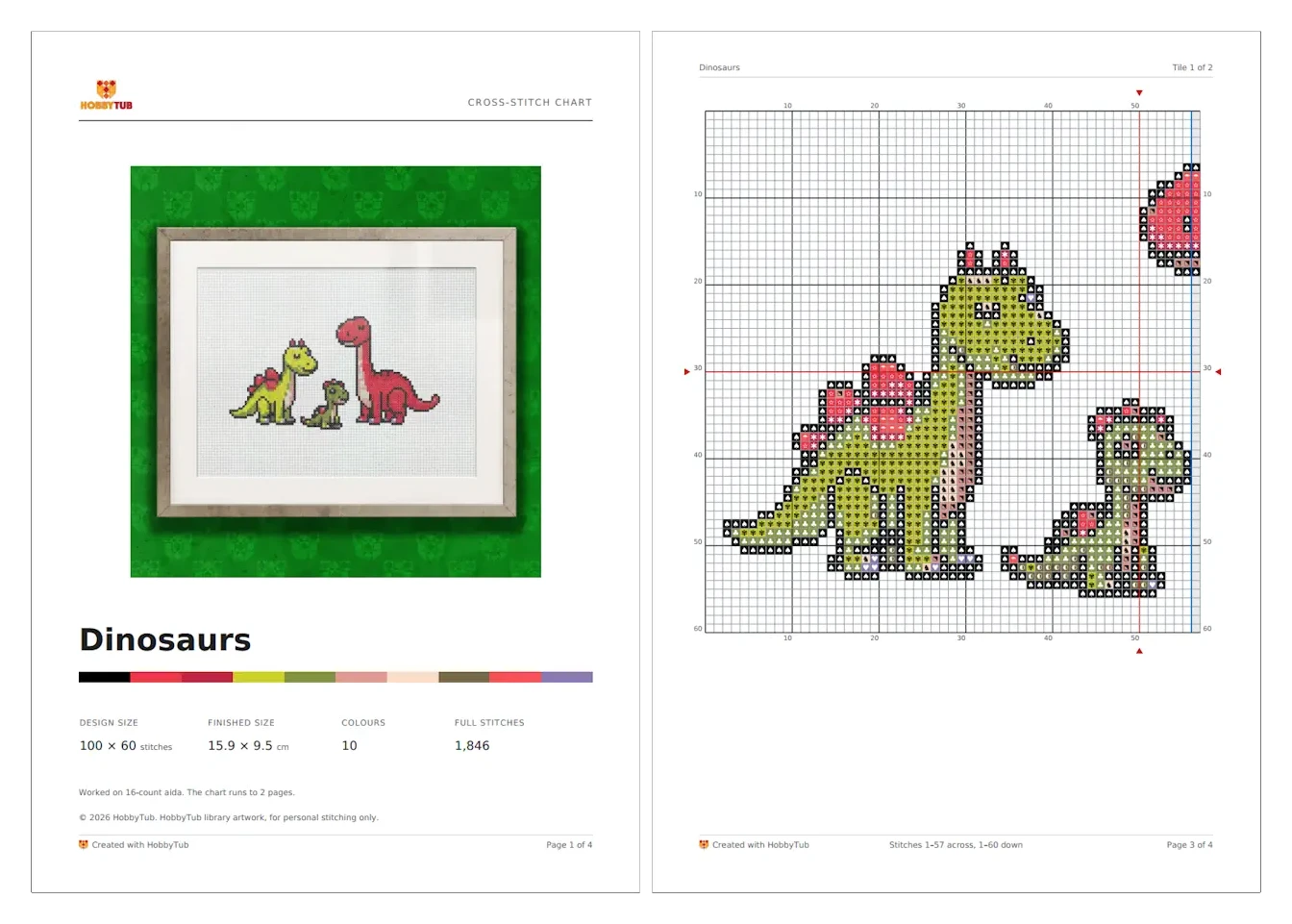
Export is not a screenshot of the grid, it is a chart built for stitching from. The PDF here is built as a chart: a cover page with the finished size and thread list, the design tiled across pages at a cell size chosen to suit your paper, and row and column numbers on all four edges so you never have to flip back.
Backstitch is drawn as lines along the cell edges the way a printed chart does it, French knots as circles and beads as ellipses, all in their thread colour. The legend carries two thread brands side by side.
Then mark it off as you stitch
Opening a chart is usually the first step, not the last. Choose Create project when the import finishes and the chart opens in the pattern tracker, ready to mark off stitch by stitch on your phone, tablet or laptop, with backstitch and part stitches tracked alongside the whole crosses.
That is also the quickest way to stitch a PDF you bought on an iPad or iPhone, where the best known markup app does not run.
Or export OXS for other software
OXS export includes backstitch, knots and beads, with half-cell positions preserved for fractional detail, so what comes out is the whole design rather than the stitches alone. Note that patterns from the HobbyTub library, and copies of them, are not exportable, and export of AI generated designs is controlled separately. This covers charts you drew, converted or imported yourself.
More cross stitch tools
Cross Stitch Pattern Maker: Photo to Chart
Turn a photo into a cross stitch pattern
Cross Stitch Pattern Editor
Design and edit cross stitch patterns in your browser
Cross Stitch Pattern Marker and Progress Tracker
Mark off cross stitch as you go, on any device
Mark Up a PDF Cross Stitch Chart on iPad, iPhone or Android
Mark up the PDF chart you bought, on any device
Cross Stitch Text and Alphabet Generator
Put names, dates and words on a cross stitch pattern
AI Cross Stitch Pattern Generator
Generate a cross stitch pattern with AI, then edit it like any other
Cross Stitch App for Real Stitchers
A cross stitch app for people who actually stitch
Cross Stitch Fabric Calculator
Work out how much aida you need
Sell Cross Stitch Patterns Under Your Own Name
Sell cross stitch charts with your name on them
Cross Stitch Thread Stash Tracker
Keep track of your thread stash
Cross Stitch Project Journal and Finished Work Archive
Keep a journal for every cross stitch project
Common questions
Do I need Pattern Maker or PCStitch installed?
No. Upload the file and it is decoded here, so you can open a .xsd or .pat chart without ever owning the software that made it. Files up to 20MB.
Can I import a PDF chart?
Yes. PDF charts can be imported, though how cleanly depends on how the PDF was produced. A chart exported from pattern software reads far better than a scan, and a scan or a photo of a printed chart cannot be read at all.
Do fractional stitches survive the conversion?
Yes. Three-quarter, quarter and half stitches and petites all come across from a .pat, a .xsd, an OXS file and from most chart PDFs, rather than being rounded up into whole squares. One older style of PDF, where every square is a small picture rather than a drawn symbol, still comes in as whole squares, and the import tells you so instead of leaving you to spot it.
What can I export?
Patterns you drew, converted or imported yourself export as a printable PDF or as OXS. Library artwork and copies of it cannot be exported, and export of AI generated designs is controlled separately.
Patterns to try it on
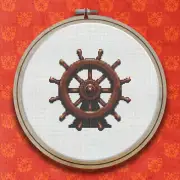
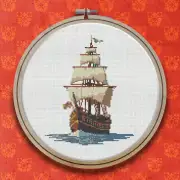
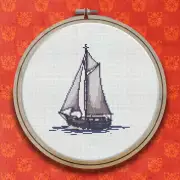
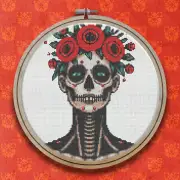
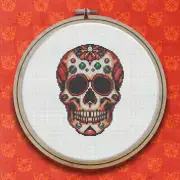
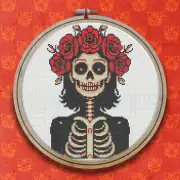
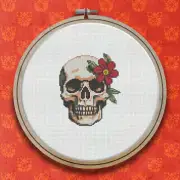
Further reading
- Cross Stitch Pattern File Formats: PDF, OXS, PAT and XSD
Charts arrive as PDFs, .pat files, .xsd files and OXS. Here is what each one is, what it can hold, and which you should ask for.
- How to Open a PAT or XSD File Without the Original Software
Old charts often come in formats tied to programs that no longer run. You can still open them, and you do not need a licence to do it.
- Printing a Cross Stitch Pattern, or Going Paperless
How to print a chart that is actually pleasant to stitch from, and when it is worth not printing at all.