
Keep a journal for every cross stitch project
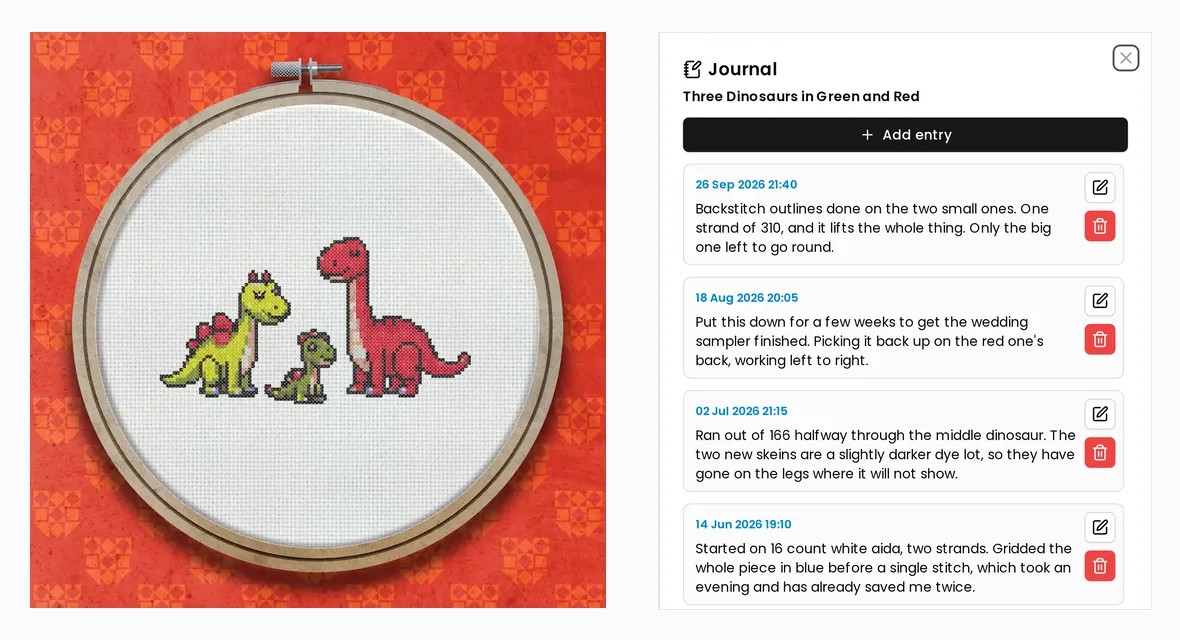
Every project has a journal: dated entries you write as you go, kept with the piece rather than on a note that goes missing. When something comes off the hoop, mark it finished and it moves to your Archive, so what is left on the dashboard is what you are actually stitching.
- 30 day free trial
- No card required
- Works on any device
What you write down, and why you will want it
Picking a piece up after three months starts with the same questions. Which colour did I run out of, what did I change, and where exactly had I got to. A journal answers them, because you wrote it down while you still knew.
Entries are dated and kept newest first, with the project rather than in a notebook you have to find. Write one whenever something happens: a shade swapped for one you already own, a dye lot that does not quite match, a section unpicked, the fabric and needle you settled on, who the piece is for and when it has to be done.
Each entry saves on its own as you write it. There is no form to submit at the end and nothing to lose by closing the journal.
Open it wherever you happen to be
The moment you want to write something down is rarely the moment you are looking at a list of projects, so the journal opens from three places.
While you are stitching it is a button in the project toolbar, next to Settings, one tap from the chart. On the dashboard it is in each project's menu, which is how you reread a finished piece without opening it. And the project's Info and notes tab shows how many entries there are and the most recent one, with the rest a click away.
It is the same journal in all three, and it opens the full height of the screen so a long entry on a phone is not typed into a sliver.
Finished, or just set aside
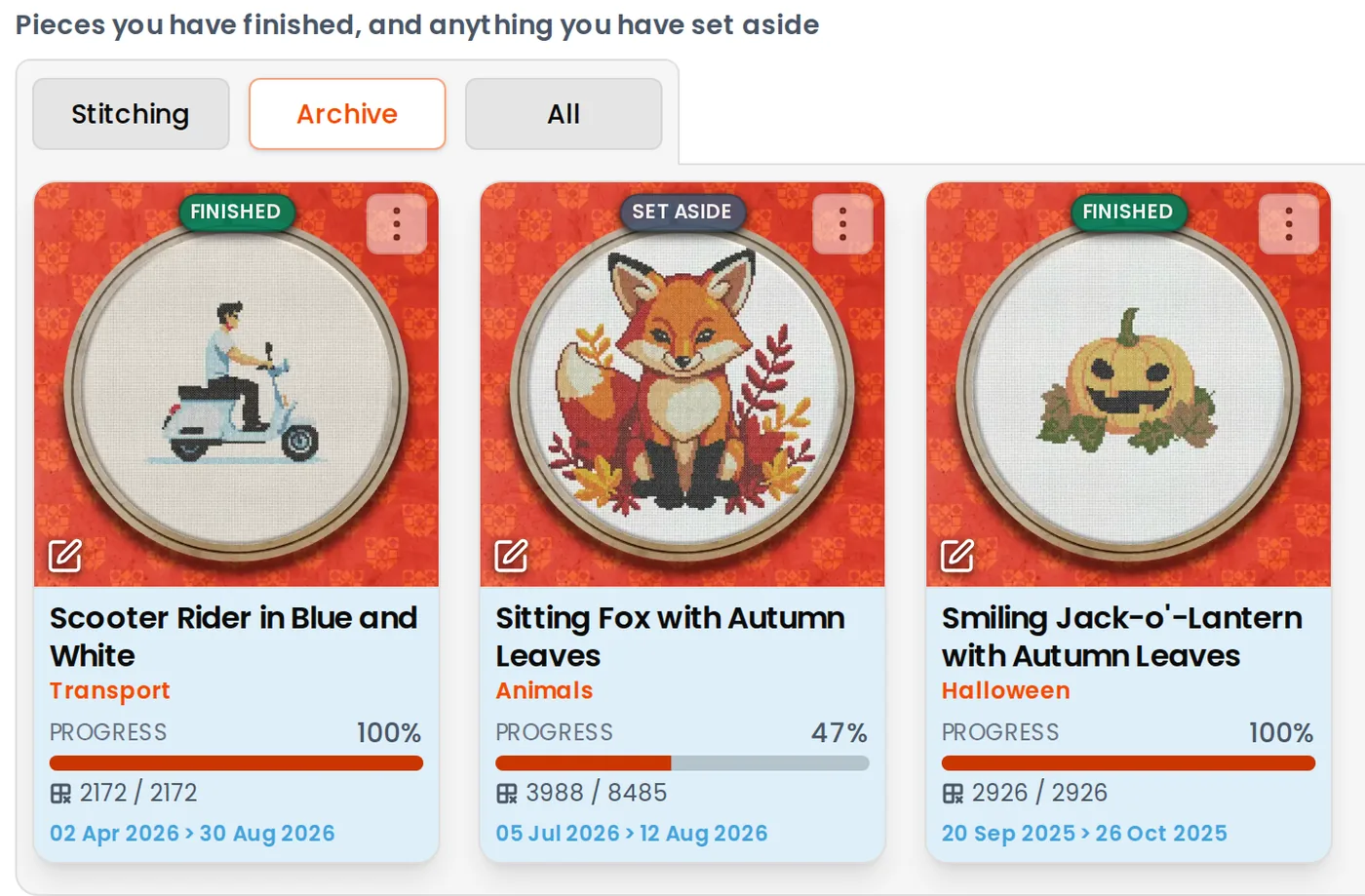
Finishing is something you say, not something a percentage decides for you. A chart can have every stitch marked and still be waiting to be washed and framed, and plenty of pieces go in a drawer at 40 per cent and never come back out. One action covers both, and the card carries the difference: Finished at 100 per cent, Set aside below it.
Nothing else about the project changes. The counts, the dates and the progress stay exactly as they were, and putting a piece back on the hoop is one tap from the same menu, so getting it wrong costs nothing.
Finding a project again
The dashboard has Stitching, Archive and All, and each opens on the order that suits it: Stitching on what you worked on most recently, the Archive on what you finished most recently. Sort by name or by how far through a piece is instead, and search by project name on whichever tab you are on.
Finished work is also left out of what is stored on your device for stitching offline, so the projects you can carry on with in a garden or on a train are the ones actually on your hoop.
More cross stitch tools
Cross Stitch Pattern Maker: Photo to Chart
Turn a photo into a cross stitch pattern
Cross Stitch Pattern Editor
Design and edit cross stitch patterns in your browser
Cross Stitch Pattern Marker and Progress Tracker
Mark off cross stitch as you go, on any device
Mark Up a PDF Cross Stitch Chart on iPad, iPhone or Android
Mark up the PDF chart you bought, on any device
Cross Stitch Pattern Converter: Open XSD, PAT and OXS
Open and convert cross stitch pattern files
Cross Stitch Text and Alphabet Generator
Put names, dates and words on a cross stitch pattern
AI Cross Stitch Pattern Generator
Generate a cross stitch pattern with AI, then edit it like any other
Cross Stitch App for Real Stitchers
A cross stitch app for people who actually stitch
Cross Stitch Fabric Calculator
Work out how much aida you need
Sell Cross Stitch Patterns Under Your Own Name
Sell cross stitch charts with your name on them
Cross Stitch Thread Stash Tracker
Keep track of your thread stash
Common questions
Does the journal work offline?
No, and the journal says so rather than pretending otherwise. Marking off stitches carries on working with no connection, but reading and writing entries both need one, and everything you wrote is there when you reconnect.
Can I move a finished project back to stitching?
Yes, from the same menu that finished it. Nothing about a project changes when it is finished, so putting it back is a complete undo: the counts, the dates and the progress are all as you left them.
Is 100 per cent stitched the same as finished?
No. You decide when a piece is finished, and there is a reminder the first time a project reaches 100 per cent rather than an automatic move. That is also why a piece set aside part done reads Set aside on its card while a completed one reads Finished.
Does the journal appear on an exported chart?
No. Your entries stay in the project. Nothing in the exported PDF or the OXS file carries them, and they are never part of a chart you share or sell.
How long can an entry be?
Two thousand characters, which is a good few paragraphs, and a project holds up to five hundred entries. If you go over either, it tells you rather than quietly cutting the end off what you wrote.
Can I lose an entry by cancelling out of project settings?
No. Entries save one at a time through the journal itself and never go through the settings dialog, so nothing you write can be thrown away by closing something else.
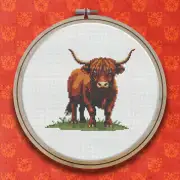
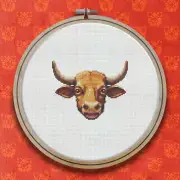
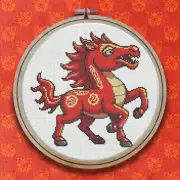
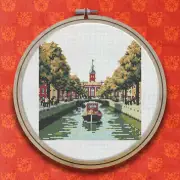
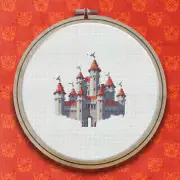
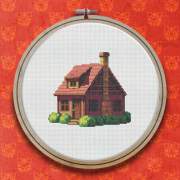
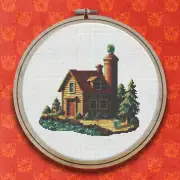
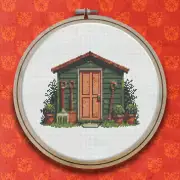
Patterns to try it on
Further reading
- How to Keep a Cross Stitch Project Journal
A chart records the stitches and nothing else. Here is what is worth writing down while you stitch, when to write it, where to keep it so you can still find it in a year, and what to record when you put a piece away part done.
- How Long Does a Cross Stitch Project Take?
A realistic way to estimate hours before you start, and why most estimates come in optimistic.
- Finishing Your Cross Stitch: Washing, Pressing and Framing
The last hour of a cross stitch project matters as much as all the hours before it. This guide covers finishing properly, gently washing out marks and grime, pressing without crushing your stitches, and mounting or framing your work so it looks its best and lasts for years.
- Creative Ways to Display Your Finished Cross Stitch
A framed piece on the wall is only the beginning. This post gathers creative ways to show off your finished cross stitch, from hoop art and cushions to cards, ornaments and wearable pieces, so your hard work is seen and enjoyed rather than tucked away in a drawer.