
Mark up the PDF chart you bought, on any device
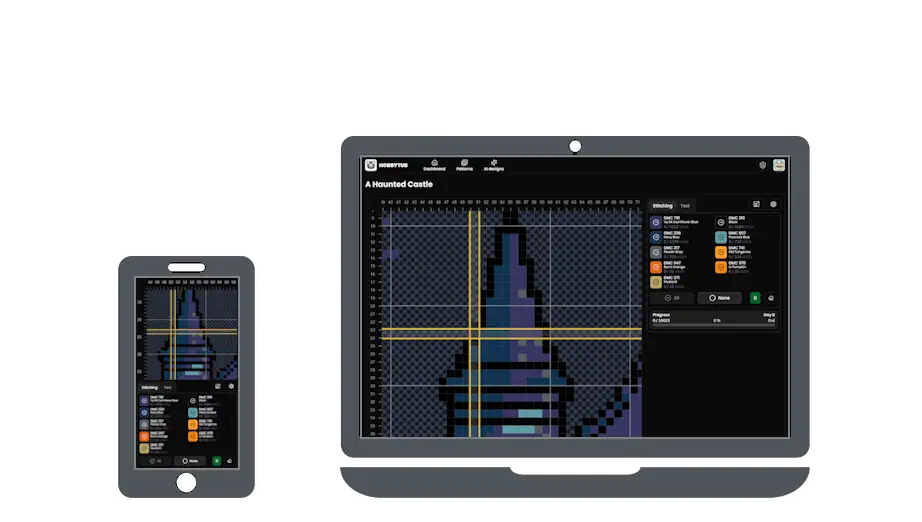
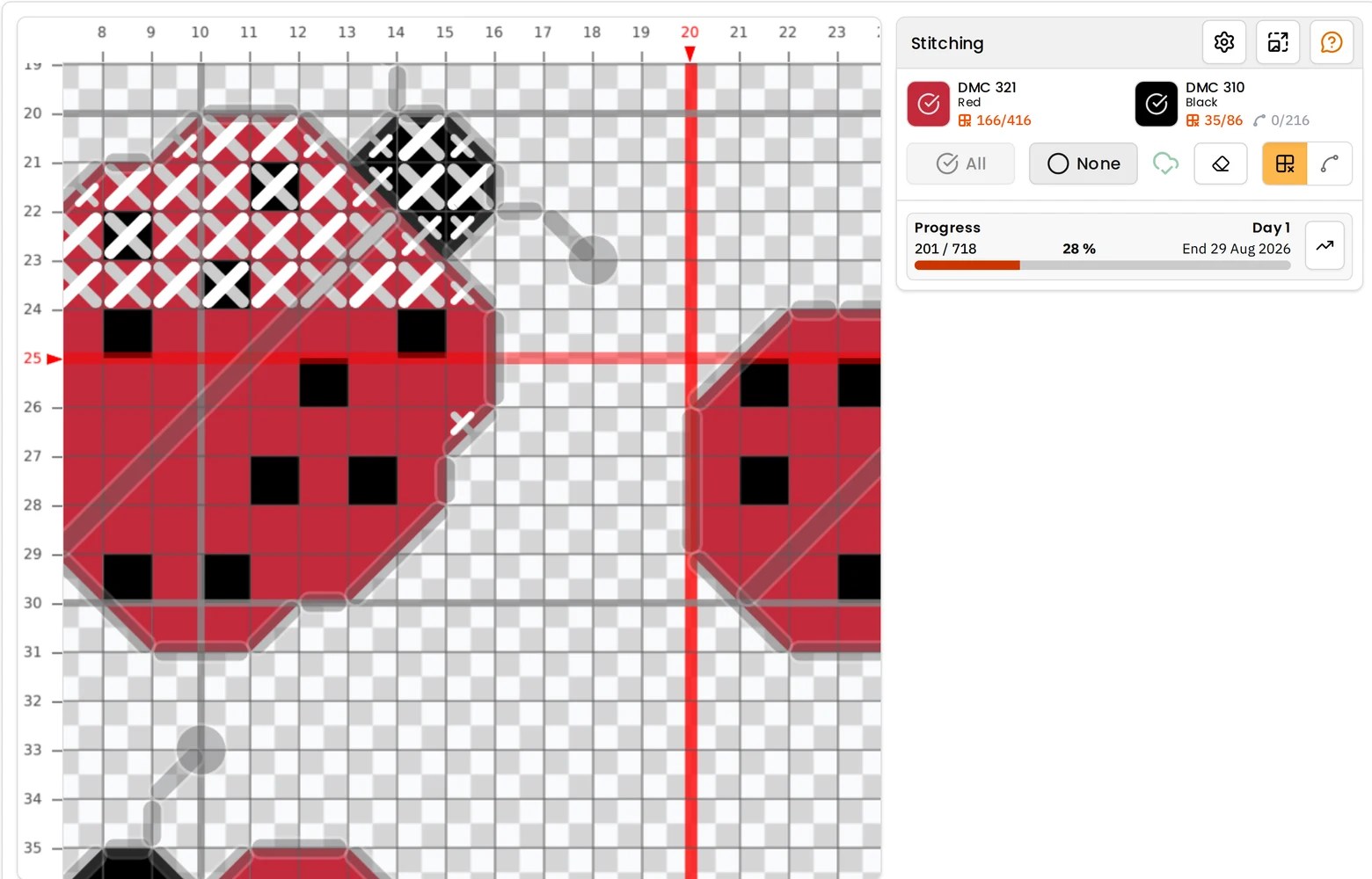
Upload the PDF you bought, and it becomes a chart you can mark off stitch by stitch in the browser on an iPad, an iPhone, an Android tablet or a Chromebook. Backstitch and part stitches are tracked too, and your progress follows you from one device to the next without exporting anything.
- 30 day free trial
- No card required
- Works on any device
From PDF to a chart you can mark off
The PDF is read as a chart, not kept as a picture. The grid, the symbols and the thread key are turned back into real stitches, so every square knows which thread it is and the design can be filtered down to one colour while you work it.
A chart split across several pages comes back as one grid, with no seams to line up. Backstitch is recovered from the drawn lines rather than thrown away, and three-quarter, quarter, half and petite stitches keep their own shape instead of being rounded up into whole squares. Choose Create project when the import finishes and it opens ready to mark off.
A Pattern Keeper alternative for iPad and iPhone
Pattern Keeper is the best known markup app, and on Android it is very good. As of September 2026 its own FAQ answers the iOS question with "No not yet. We are working on it!", which is why so many iPad and iPhone stitchers go looking for something else.
HobbyTub runs in the browser, so it works the same on an iPad, an iPhone, an Android phone or tablet, a Chromebook and a desktop. Add it to your home screen and it opens like an app. Marking off keeps working without a signal and syncs when you are back online.
How it compares with the markup apps
Everything said here about other apps comes from their own websites in September 2026, so check anything that matters to you before choosing.
Pattern Keeper runs on Android only. It "currently only supports full cross stitches", with backstitch and fractional stitches on its wish list, and it "doesn't have automatic sync", so moving a project between devices means exporting it from one and importing it on the other. It is a one-off purchase, which is hard to beat if it covers what you stitch.
Markup R-XP runs on iOS and Android and marks off backstitch, fractional stitches and blackwork. Several devices can share one account, but a chart moves between them by backup and restore. It is a yearly subscription, well below ours, and unlike HobbyTub it can also mark up a scan or a photo of a paper chart.
Stitchwork is the strongest of the newer Apple apps. It reads vector and scanned PDFs as well as OXS files, marks off half, quarter and three-quarter stitches and backstitch outlines, syncs stitch by stitch through your own iCloud, and keeps a floss stash with a shopping list across projects. It is a one-off purchase and runs on iPhone, iPad and Apple silicon Macs, so its sync will not carry a project to an Android tablet.
StitchTracker is free and syncs through iCloud as well, but it opens OXS files only, so it cannot mark up the PDF you bought.
HobbyTub's difference is the combination: the PDF you bought, in a browser on any device, backstitch and part stitches included, with your progress synced automatically. The same account also carries a pattern library you can use as much as you like, and designs, converts and exports charts. If you stitch on Android and your charts are all full crosses, Pattern Keeper costs less. If you stitch only on Apple devices and only ever mark off charts you already own, Stitchwork does that job well for a single payment.
More cross stitch tools
Cross Stitch Pattern Maker: Photo to Chart
Turn a photo into a cross stitch pattern
Cross Stitch Pattern Editor
Design and edit cross stitch patterns in your browser
Cross Stitch Pattern Marker and Progress Tracker
Mark off cross stitch as you go, on any device
Cross Stitch Pattern Converter: Open XSD, PAT and OXS
Open and convert cross stitch pattern files
Cross Stitch Text and Alphabet Generator
Put names, dates and words on a cross stitch pattern
AI Cross Stitch Pattern Generator
Generate a cross stitch pattern with AI, then edit it like any other
Cross Stitch App for Real Stitchers
A cross stitch app for people who actually stitch
Cross Stitch Fabric Calculator
Work out how much aida you need
Sell Cross Stitch Patterns Under Your Own Name
Sell cross stitch charts with your name on them
Cross Stitch Thread Stash Tracker
Keep track of your thread stash
Cross Stitch Project Journal and Finished Work Archive
Keep a journal for every cross stitch project
Common questions
Does a "Pattern Keeper compatible" PDF work?
Usually, yes. Charts sold as Pattern Keeper compatible put the whole design on one page with a symbol in every square, which reads cleanly. Stitches, part stitches and backstitch all come across. Those files leave out the backstitch thread key, so backstitch colours are matched to the nearest thread and the import tells you it has done that.
Which PDFs work?
A chart exported from pattern software reads well, including ones tiled across several pages and ones with no thread key, where the colours are matched to the nearest threads. One older style of PDF, where every square is a small picture rather than a drawn symbol, comes in as whole squares only, and the import says so.
Can I mark up a scanned or photographed chart?
Not yet. A scan or a photo of a printed chart holds no grid or symbol data to recover, so it cannot be read. For a paper-only chart, Markup R-XP can mark up the image itself, and Stitchwork reads scanned pages on Apple devices.
Is there a Pattern Keeper for iPad or iPhone?
Not as of September 2026: Pattern Keeper is Android only. HobbyTub runs in the browser on iPad and iPhone and marks up the same kind of PDF, backstitch and part stitches included.
Does it work on a Chromebook or a computer?
Yes. Anything with a modern browser works, and a project marked off on a laptop is up to date when you open it on a tablet.
Is the PDF shared with anyone?
No. An imported chart stays in your account and never appears on the public site or in the pattern library. It is yours to stitch, not to pass on.
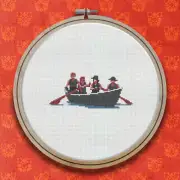
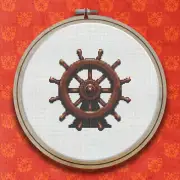
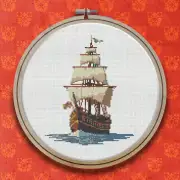
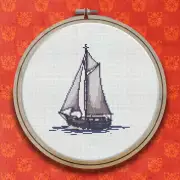
Patterns to try it on

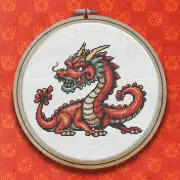
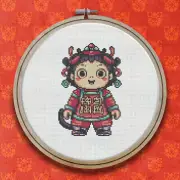
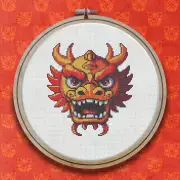
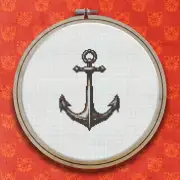
Further reading
- Marking Up PDF Cross Stitch Charts on an iPad or iPhone
Pattern Keeper is Android only, so iPad and iPhone stitchers need something else to mark off the PDF charts they buy. Here are the real options, and what each one does well.
- Marking Off Cross Stitch: Markup Apps, Trackers and Keeping Your Place
Highlighter, printout or app? How stitchers keep track of what they have already worked, and why marking off digitally has largely won.
- Cross Stitch Apps Compared: What to Look For in 2026
An honest look at the cross stitch apps stitchers actually use, what each is good at, and where they fall down. Including where we do not win.