Turn a photo into a cross stitch pattern
Upload an image, choose how big you want it and how many colours to use, and you get a proper counted chart: thread colours, symbols, stitch counts and a finished size. Not a filtered picture of stitching, an actual pattern you can work from.
- 30 day free trial
- No card required
- Works on any device
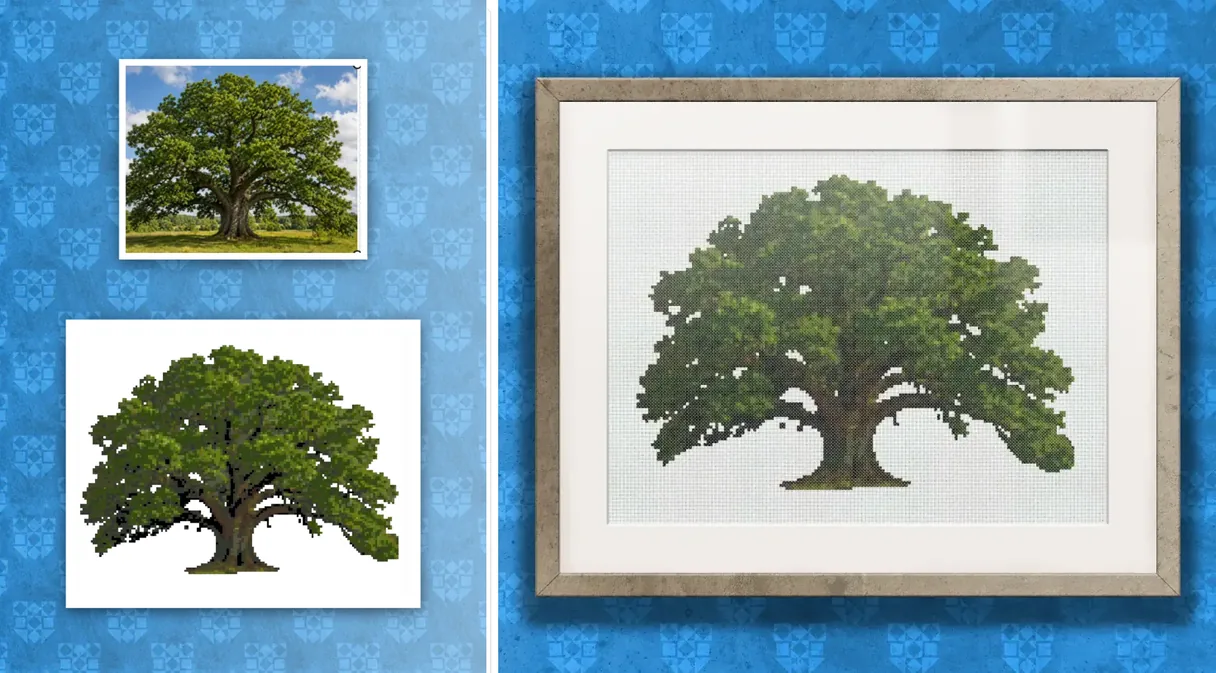
Remove the background before you convert
This is the single biggest thing you can do for the quality of a photo conversion, and most converters skip it. A busy background eats your colour budget: shades get spent on out-of-focus hedge and carpet instead of on the subject you actually care about.
HobbyTub can strip the background in one click before the conversion runs, so the whole palette goes on the dog, the face or the flower. It does not spend any of your AI generation allowance.
Control the colours, control the confetti
Confetti is the name stitchers give to single stitches scattered one at a time across a chart, each needing its own thread change. A photo converted at full colour depth produces a great deal of it, which is why so many photo patterns are miserable to stitch.
The colour count is yours to set. Fewer colours means fewer thread changes, a chart you can actually read, and a piece you will finish. You can see the effect before you commit.
It tells you what you need before you buy
Every converted pattern lists its thread colours and stitch counts, and shows the finished size for the fabric count you plan to use. You can shop from that rather than guessing at the shop counter.
More cross stitch tools
Cross Stitch Pattern Editor
Design and edit cross stitch patterns in your browser
Cross Stitch Pattern Marker and Progress Tracker
Mark off cross stitch as you go, on any device
Mark Up a PDF Cross Stitch Chart on iPad, iPhone or Android
Mark up the PDF chart you bought, on any device
Cross Stitch Pattern Converter: Open XSD, PAT and OXS
Open and convert cross stitch pattern files
Cross Stitch Text and Alphabet Generator
Put names, dates and words on a cross stitch pattern
AI Cross Stitch Pattern Generator
Generate a cross stitch pattern with AI, then edit it like any other
Cross Stitch App for Real Stitchers
A cross stitch app for people who actually stitch
Cross Stitch Fabric Calculator
Work out how much aida you need
Sell Cross Stitch Patterns Under Your Own Name
Sell cross stitch charts with your name on them
Cross Stitch Thread Stash Tracker
Keep track of your thread stash
Cross Stitch Project Journal and Finished Work Archive
Keep a journal for every cross stitch project
Common questions
What makes a good photo to convert?
A clear subject, good light and reasonable contrast. Close-up portraits and single objects work far better than wide scenes with lots of small detail, because a chart has far fewer "pixels" to work with than a photograph.
Which thread brands does it use?
DMC, Anchor, Madeira, Cosmo, J&P Coats, Presencia, Ariadna, CXC, Dimensions, Gamma, Luca-S, PNK Kirov, Sullivans and Unitas. Every colour has an equivalent in all of them, so you can switch brands without hitting gaps in the conversion.
Can I edit the pattern afterwards?
Yes. A converted pattern opens in the pattern editor, where you can tidy stray stitches, add backstitch outlines and put text on it.
Patterns to try it on
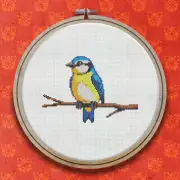
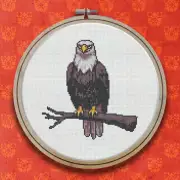
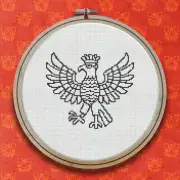
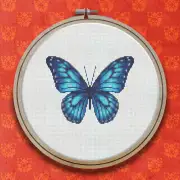
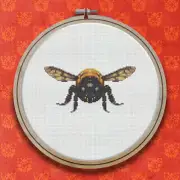
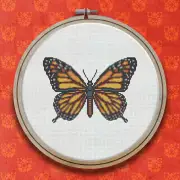
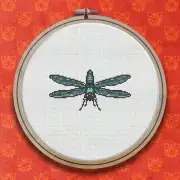
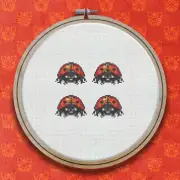
Further reading
- How to Turn a Photo Into a Cross Stitch Pattern
Converting a photo into a chart you will actually enjoy stitching takes a few decisions. Here is what matters, and what to ignore.
- Confetti Stitches: Why Photo Patterns Get Messy, and How to Tame Them
Single stitches scattered one at a time across a chart are the reason many photo patterns get abandoned. Here is what causes confetti and how to cut it down.
- Cross Stitch Pattern Makers: What They Do, and How to Choose One
Pattern makers, generators, converters and charting software all overlap. Here is what the categories actually mean and which one you need.